For RevOps, CS Ops and business systems teams
Connect your systems. Automate the work between them.
Describe a workflow the way you'd explain it to a colleague. In five minutes Ballet builds it, connects every tool it touches, and runs it with every step on record.

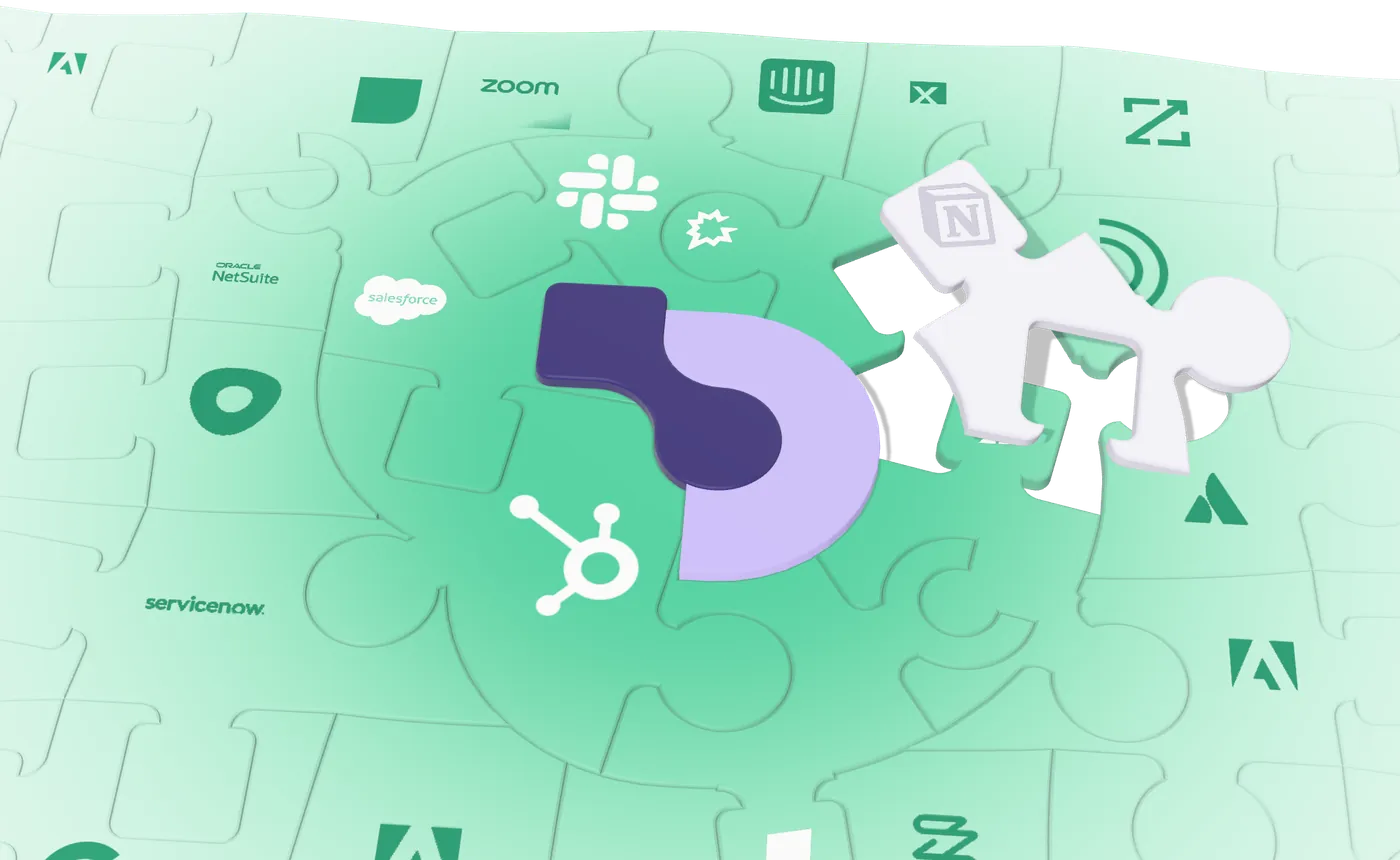
A jigsaw of the tools a team runs on, Salesforce, Slack, HubSpot, Gong, Zendesk, Notion and more, in grey, until the Ballet logo clicks into the middle and every tool turns green, connected.
- 5 min to build a workflow
- 200 hrs back for your team / mo
- 100% of tasks run the same way vs 78% for AI agents
Running ops automations at





Go from a sentence to a running workflow
The same four steps for every automation you build.
- Step 1
Describe what should happen
Tell the Composer what should happen and which systems it touches. Most workflows are ready in about five minutes.
ComposerWhen a deal closes, write the handover from the call and send it to the owner.
Here's the plan: four steps you can read before anything runs.
- Trigger: a deal moves to Closed Won in Salesforce.
- Read: the last call on the deal in Gong.
- Draft: the handover from what was said on the call.
- Send: it to the account owner in Slack.
One question: should deals over $50k wait for the owner to approve the handover?
Closed Won handoverPlaybook · 4 steps OpenYes, gate anything over $50k - Step 2
Connect the tools it needs
Sign in to Salesforce, Gong or Slack once, add an MCP server, or point Ballet at any API. If a service has no connector, Ballet writes the integration as part of the build.
Connectors Search connectors AddSalesforceOAuth · 3 playbooksConnected
GongAPI key · 2 playbooksConnected
SlackWorkspace app · 6 playbooksConnected
NotionMCP server · 1 playbookConnected
- Billing serviceInternal API, no docsWritten by Ballet
- Step 3
Check every step before it runs
Each step says what it reads, what it changes and when it waits for a person. Fixed rules do the work that has to be exact, and AI only the steps that need judgment. Change any of it by asking.
Closed Won handoverDraftPlayRunsStepsDescription
Draft the handover from the call: what they bought, what was promised, and the risks.
Runs as
AI agentClaude · only this step uses AI
Input mappings
transcript
{{get-call.transcript}}account
{{trigger.Account.Name}}owner
{{trigger.Owner.Email}}Waits for a person
When
Amountis over 50,000, the account owner approves firstdraft.js · 24 lines Simulate step
- Step 4
Run it and see what each step did
Run it on demand, on a schedule or from a webhook, or ask for it in Slack, Chrome or Claude. Every run records what each step saw, what it did and how long it took.
PlayRunsCodeTotal runs48Successful runs47Per run4 creditsTotal consumption502 creditsStatus Run ID Triggered by Duration Completed c41f9e02… webhook:salesforce 9.0s Completed 5e8d2b71… webhook:salesforce 14s Completed 9a07f6c3… slack:jess.f 11s Failed 2d6b8e14… webhook:salesforce 31s Completed e7c3a9d5… webhook:salesforce 8.4s Completed
c41f9e02-7a3b-4d1e…Steps (5)
- deal-closed102ms
- get-call1410ms
- draft6812ms
- approvewaited 12m
- post611ms
Output
{
  "account": "Ironhouse Gym",
  "owner": "Priya Shah",
  "amount": 48000,
  "posted": true
}
VP Customer Success, 1,500-person fintech
Give every rep back half an hour a day
Their 20 reps each spent 30 minutes a day on cross-system work. Ballet does the same work in under a minute, and does it more reliably.
Cross-system work, per rep, each day
2,417 hours back a year
20 reps × 29 min saved each a day × 250 working days
Get answers from every system without a BI project
Ask about your customers in plain English and Ballet builds the report from every system that holds part of the answer: the CRM, your calls, support and billing. The questions that used to wait weeks get answered the same day.
Which accounts are ready to expand this quarter, and what's in the way?

 Oct – Dec
SalesforceGongZendeskStripe
Top opportunitiesValueOwnerSignal
| Account | Flagged by | Value | Next step |
|---|---|---|---|
| Northwind Clinics | | $126k | Owner calls by Friday |
| Lumen Studios | | $64k | Send seat proposal |
| Harbor Freight Co. | | $48k | Clear 2 tickets first |
| Pinecrest Dental | | $32k | Book the QBR |
- Skip the BI queue Ask in plain English. There are no fields to drag and no SQL to write.
- See the whole customer Salesforce, Gong, Zendesk and Stripe in one answer, plus what your playbooks have recorded.
- Know who to call next Every account comes with the systems that flagged it and the next step to take.
Hand off the work your team repeats every week
Marketing
Route each attendee while your event is still warm
Event and webinar lists become routed, enriched leads before the follow-up goes cold.
See the playbookRevOps
Keep your CRM clean without a cleanup project
Duplicates, missing fields and stale owners get fixed continuously, not in a quarterly project.
See the playbookSupport
Give your agents a reply they only review
Common tickets arrive as a draft reply an agent reviews rather than writes.
See the playbookGet AI's judgment with a workflow's certainty
How Ballet compares with AI agents and traditional workflow tools on the work that spans your systems.
| Compared on |  | AI agents    | Traditional workflows    |
|---|---|---|---|
| Time to build a multi-system workflow | Yes: 5 min on average, described in plain English | Partly: Fast to start, but there's no workflow to keep | No: Hours to weeks, mapped field by field |
| Does the same thing every run | Yes: 100% of benchmark tasks, eight runs out of eight | No: 78% of the same tasks; the rest changed between runs | Partly: Until a field or an API changes |
| Replaces your BI dashboards | Yes: Minutes from question to dashboard, no BI tool | Partly: A one-off answer in chat, not a dashboard your team can use | No: Pipe the data into a BI tool and wait for an analyst |
| Reaches internal systems with no connector | Yes: Writes the integration as part of the build | Partly: Only through tools someone has already set up | Partly: The catalogue, or custom API work |
| Runs work that takes days | Yes: Keeps its own records, follows up and picks up where it left off | No: Holds context for one conversation | Partly: Add and maintain a separate table or database |
| When a system changes | Yes: Flags the change and proposes the fix | No: May quietly do something different | No: The run fails until someone rebuilds the step |
Automate the systems you can't afford to break
Reviewable code, approval gates and replayable runs, on Brainfish's audited controls.
Security & governance- SOC 2Type II
- ISO 270012022
- Reviewable codeRead before it runs
- Approval gatesA person signs off
- Replayable runsEvery step on record
- Scoped accessPer tool, per playbook
Get straight answers before you start
What teams ask before their first workflow.
Get a demoWhat does Ballet do?
Ballet automates the work that runs across your systems, like handing a closed deal to its account owner or checking an account's health before a renewal call. You describe the workflow in plain English, and in about five minutes Ballet builds it, connects the tools it needs and runs it with every step on record.
Who on my team builds the workflows?
The people who already own your systems: RevOps, CS Ops and business systems teams. There's no code to write and nothing waits on an engineering queue. If your engineers want to read what Ballet built, it's there for them.
How is Ballet different from Zapier or n8n?
You don't assemble the workflow step by step or hunt for a connector. You describe the outcome and Ballet builds it, including the integration for an internal system that has no connector. Workflows can run for days and remember what they've done, and you can ask for a report across every system Ballet is connected to.
Will it do the same thing every time?
Yes. Steps that have to be exact, like updating a field or issuing a refund, run as fixed rules that behave the same way on every run. AI is used only where a step needs judgment, such as drafting a reply. In our published benchmark, Ballet ran all 54 tasks the same way eight times out of eight; AI agents managed 42.
What happens when a system changes or a run fails?
Every run is recorded step by step, so you can see what each step saw and what it did. When a system Ballet depends on changes, like a renamed field, Ballet flags it and proposes the fix, usually before anyone files a ticket.
How do we stay in control of what it does?
You choose which steps wait for a person, such as deals over $50k waiting for the owner's approval. Roles decide who can build playbooks and who can only run them, admins choose which AI models are allowed, and any run can be replayed. Ballet is covered by Brainfish's SOC 2 Type II and ISO 27001 compliance.
How quickly can we get started?
We build your first workflow with you, on your real systems, in a 30-minute session. After that, most workflows take your team about five minutes.
Ship the workflow that's been stuck in your backlog
We'll build it with you, on your real systems, in a 30-minute session.
Get a demo